01
One day, one view
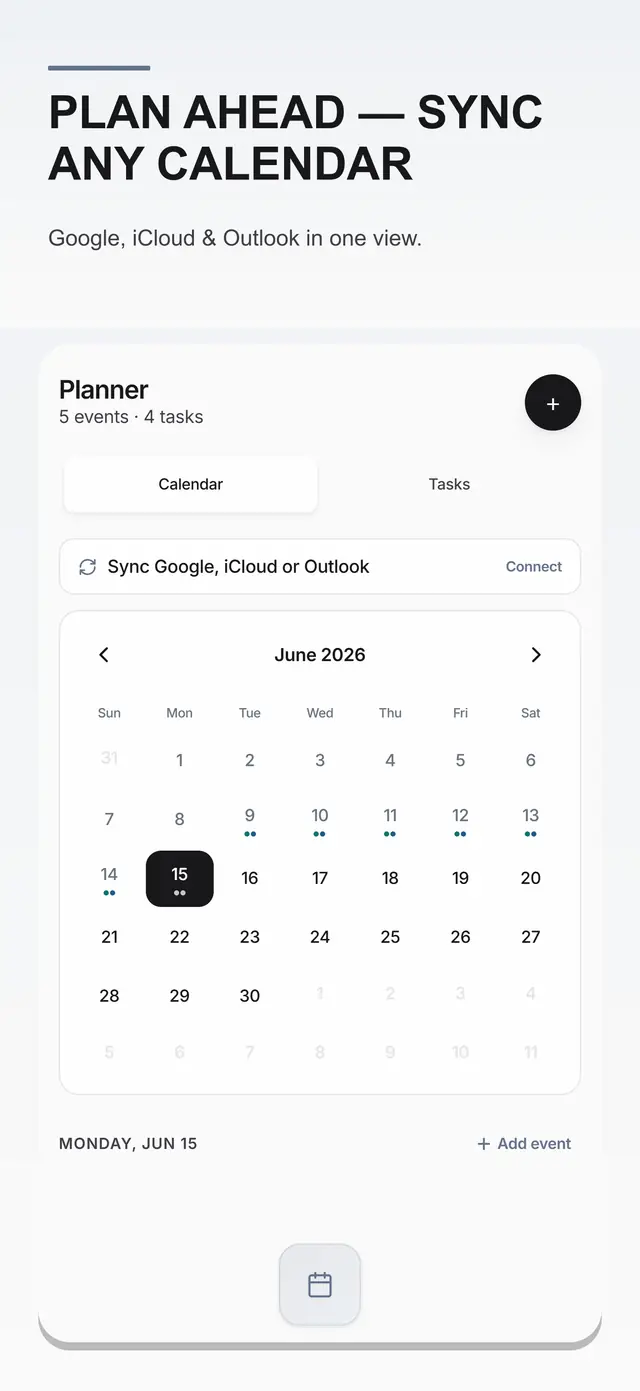
See tasks, events, routines, and pinned cards together instead of bouncing between apps.
A closer look at planning
The Planner turns a loose list, a calendar, and a handful of reminders into a day you can actually move through.
Sync is optional. Your own calendar stays read-only.
A day with edges
Every surface is designed around the next useful decision: what is due, what is worth doing now, and what can wait.
See tasks, events, routines, and pinned cards together instead of bouncing between apps.
A simple priority ladder surfaces overdue work, today's priority, the next event, or a gentle focus nudge.
Write “call back lead Tuesday at 10” and turn the thought into a structured task or event.
Set a reminder on the features you need. Everything is optional and off until you ask for it.
For days with stops, route optimization can help turn a list of places into a more efficient path.
Tomorrow Snapshot gives the next day a soft landing with agenda, prep shortcuts, and one practical tip.
The rhythm
Planning is most helpful when it does not become another project. My Daily Tool keeps the interface quiet and lets your day take the lead.
A command center for the day
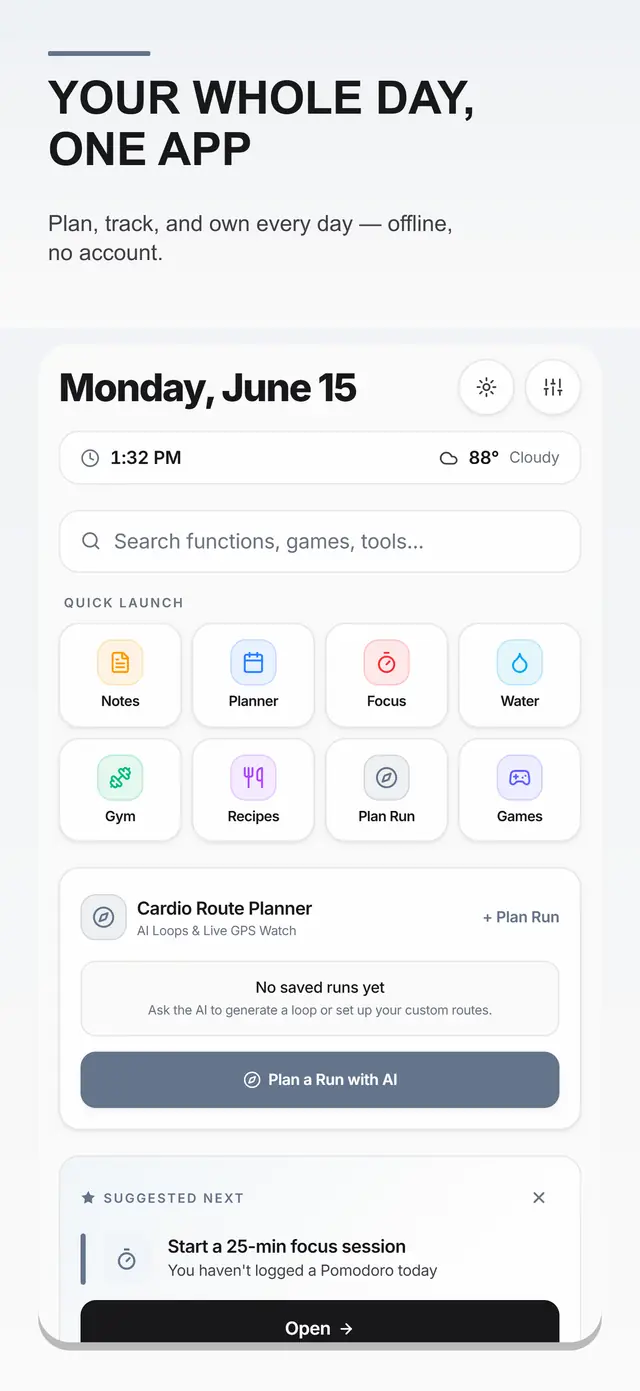
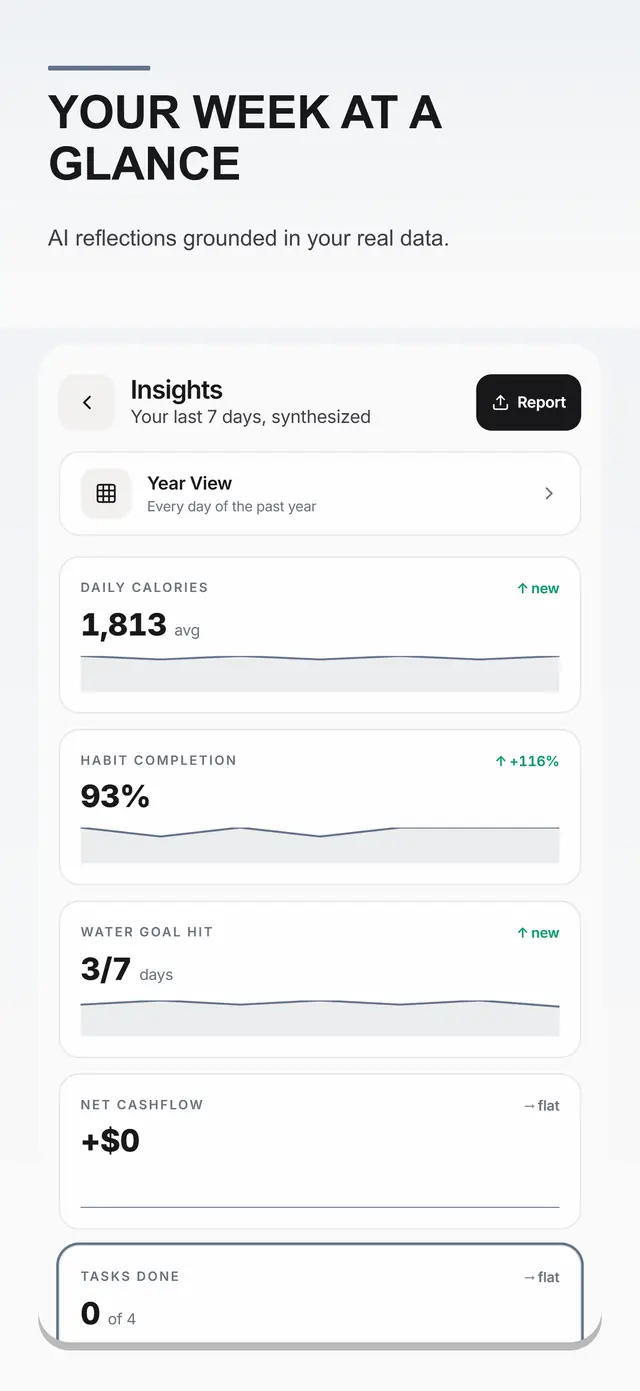
Planner is designed to sit beside health, habits, meals, journal, finance, focus tools, and the rest of your day.