
01
Smart Morning Brief
Three bullets at 6 AM: the weather, today's focus, one practical nudge. Cached for the day and dismissible.
A closer look at the assistant
The built-in assistant reads your tasks, meals, habits, and plans, then helps you decide what matters next. Free out of the box, or with your own key.
Optional and off until you use it. Prompts are never logged on our server.

What it does
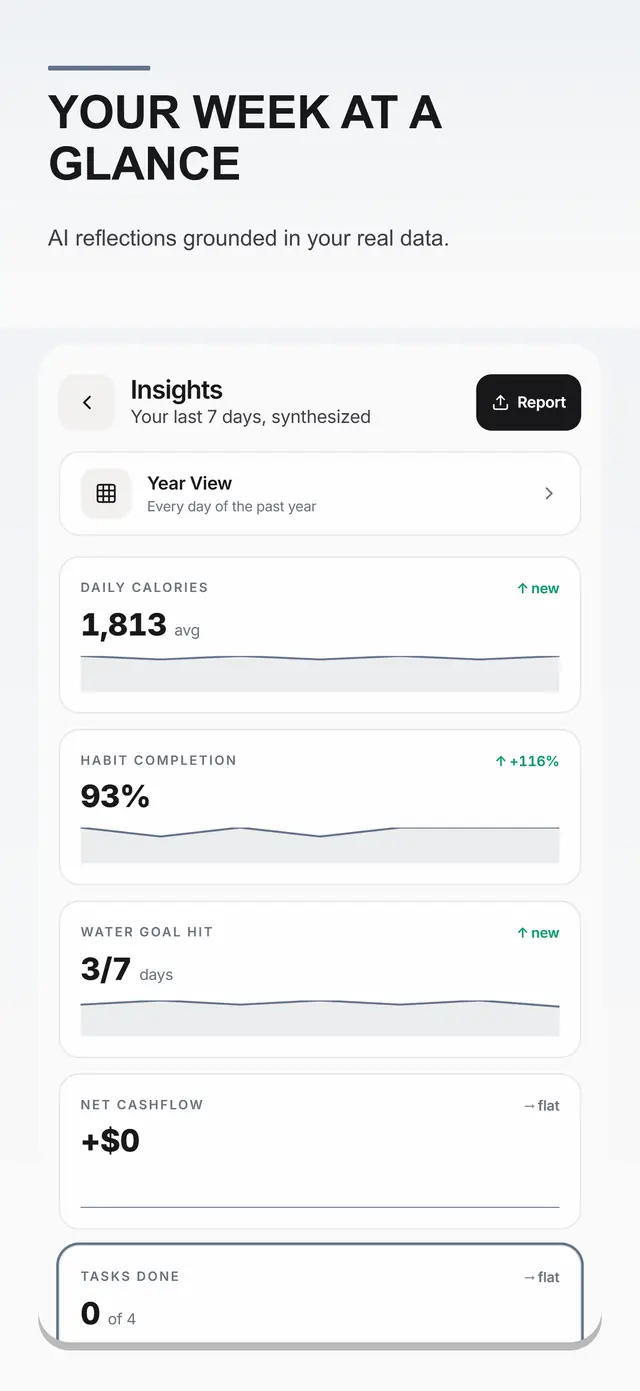
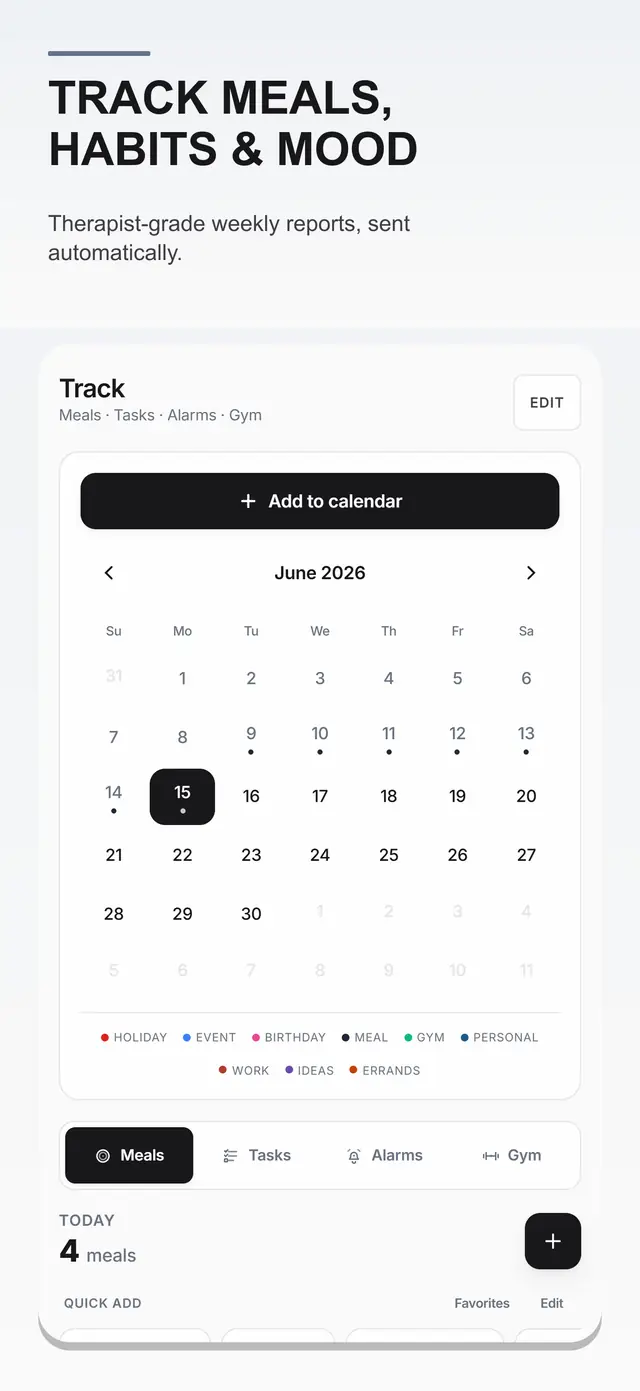
The assistant sees the same day you see: plans, meals, workouts, habits, journal. Its answers start from there instead of from a blank page.
Three bullets at 6 AM: the weather, today's focus, one practical nudge. Cached for the day and dismissible.
At dusk, the next day's agenda with prep shortcuts and one tip, so mornings start decided.
Ask for a plan and get an ordered day from your actual tasks, events, and habits.
Dump every thought into Brain Dump, then let the assistant file each line where it belongs.
Build a meal plan from what you have, or shape a workout from your templates and history.
Start free out of the box, or plug in your own provider key and get billed by them, not us.
The rhythm
Two short moments frame the day. Everything between them is yours.
Questions
Only to answer you. It sees your on-device day so its answers fit, and nothing you type is stored on our server.
No. It works free out of the box. A personal key is optional for people who prefer their own provider and billing.
Yes. Never open it and it never runs. The brief only appears once you ask for it.
One app, many modes
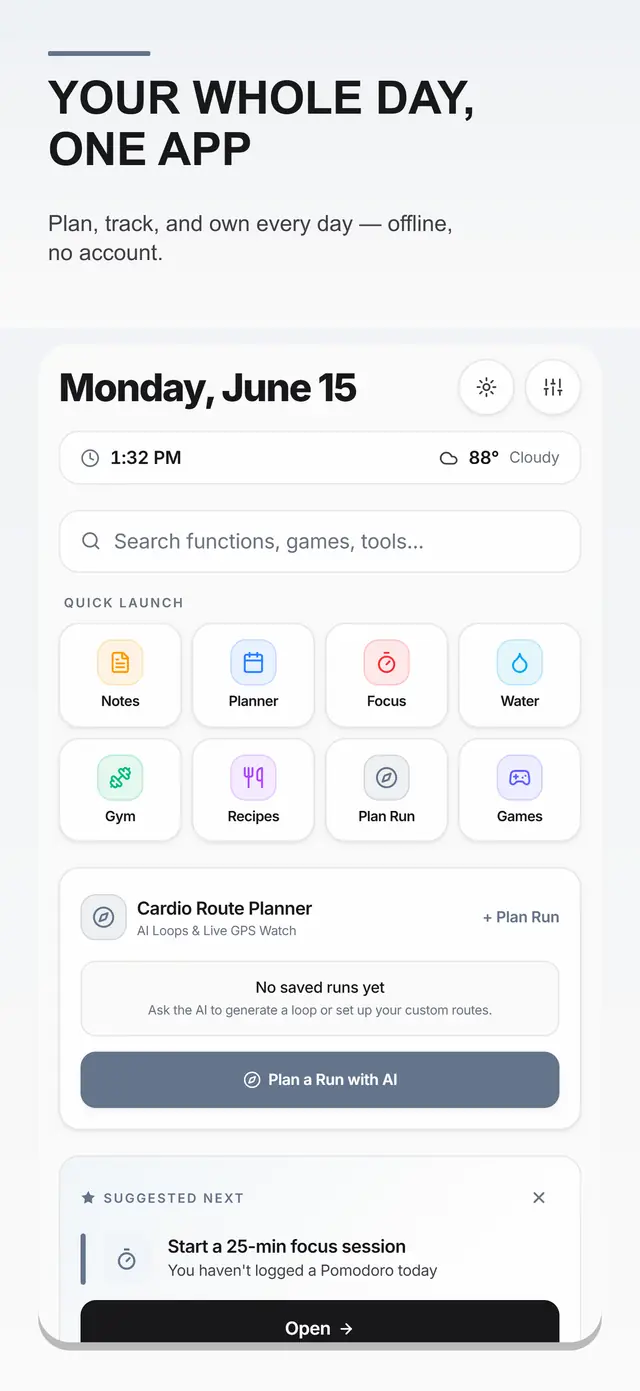
The assistant sits beside Planner, Health Center, habits, journal, finance, focus tools, and the arcade.
Want a walkthrough? Book a 15-minute call.